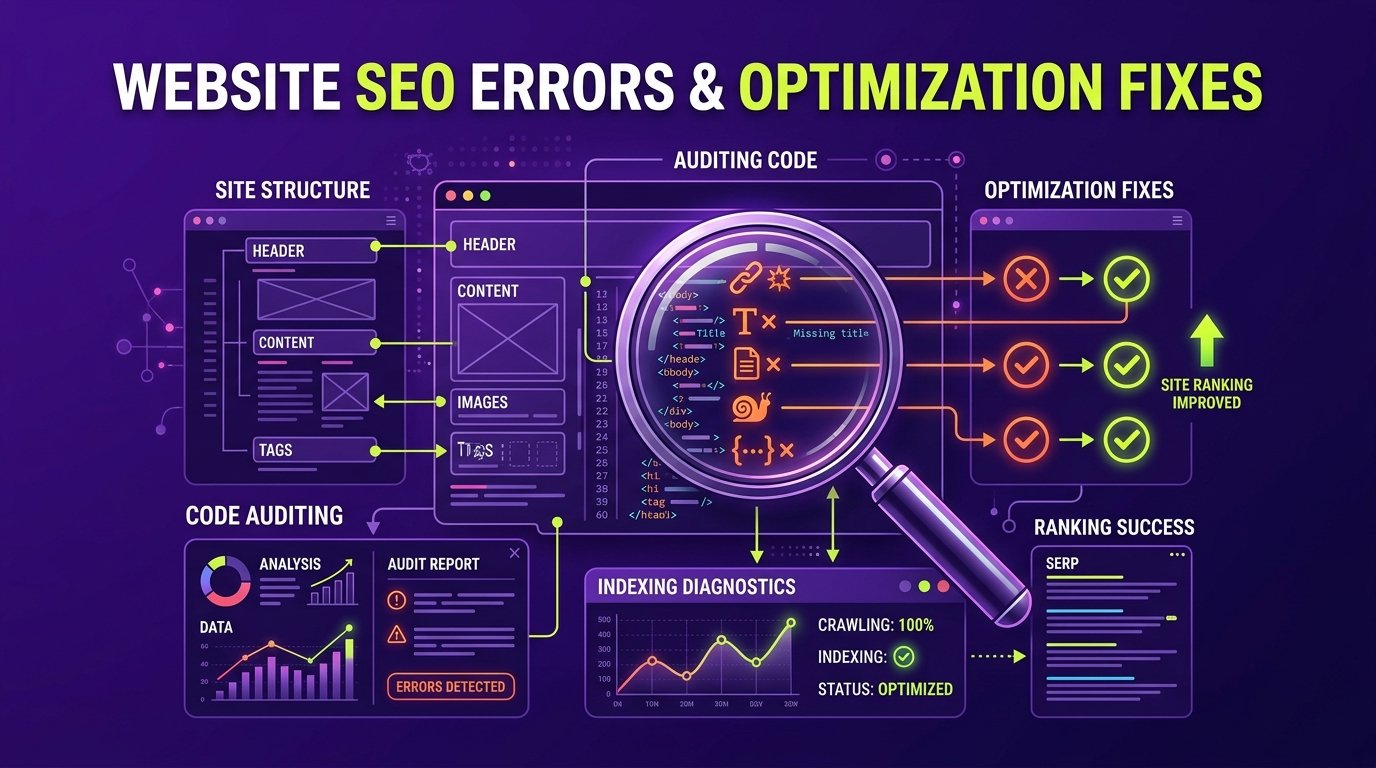
You launched a beautifully designed website, published pages describing your products or services, and waited for organic inquiries to arrive—yet weeks later, your site is nowhere to be found on Google search results.
This is an extraordinarily common challenge for growing businesses. In many cases, the problem is not that your company lacks credibility or that your market is too saturated. More often, the website suffers from subtle technical errors, structural misalignments, or content oversights that prevent search engines from crawling, understanding, and valuing your pages.
In this guide, we review the ten most common SEO mistakes that undermine business websites and provide practical, actionable solutions to fix each one.
1. Blocking Search Engines With Accidental noindex or robots.txt Rules
The most immediate reason a website fails to rank is that search engines have been instructed not to index it. During website development, agencies typically place a noindex tag on staging environments to prevent search engines from indexing incomplete draft pages.
Too often, when the site is migrated to production, that directive is accidentally left intact.
- The Problem: A
<meta name="robots" content="noindex, nofollow">tag in the header or an overly restrictiveDisallow: /in your robots.txt file completely forbids Googlebot from indexing your pages. - The Fix: Open your live site, view the page source, and search for
noindex. Verify your robots.txt file by visitingyourdomain.com/robots.txtto confirm your primary service directories are accessible for crawling.
2. Targeting Keywords That Have No Search Intent or Unrealistic Competition
Keyword selection determines the trajectory of your entire organic strategy. Businesses frequently make one of two fundamental errors:
- Targeting terms with zero search volume: Optimizing for internal corporate jargon or proprietary product names that prospective customers never actually type into Google.
- Targeting broad terms dominated by global aggregators: A regional consulting firm trying to rank for “business consulting” rather than “B2B operations consulting in Bengaluru.”
The Fix: Align your pages with user search intent. Group keywords into informational queries (for blog posts) and high-intent commercial queries (for core service pages). Prioritize terms that balance realistic difficulty with verified commercial search volume.
3. Thin, Vague Service Page Content
Many business service pages feature little more than a hero banner, three stock photos, and two brief paragraphs summarizing their offering. Search engines evaluate topical relevance based on semantic depth, structured explanations, and contextual clarity.
If your page contains only 150 words of generic marketing text, Google has insufficient information to determine why your business should rank ahead of an established competitor who provides a comprehensive breakdown of technical processes, specifications, and client considerations.
The Fix: Expand your service pages into comprehensive resources. Clearly explain what the service is, what specific challenges it solves, your technical methodology, and answer common client questions directly on the page.
4. Neglecting Core Web Vitals and Mobile Performance
More than 60% of search queries across commercial sectors originate on mobile devices. In response, Google strictly adheres to mobile-first indexing, meaning it crawls and evaluates the mobile version of your website rather than the desktop version.
If your website loads slowly on a 4G mobile connection, shifts around unexpectedly while loading, or freezes while users attempt to tap a menu, your search rankings will suffer.
The Fix: Test your site using Google PageSpeed Insights. Focus on your Core Web Vitals:
- Largest Contentful Paint (LCP): Ensure your primary content renders within 2.5 seconds.
- Interaction to Next Paint (INP): Ensure buttons and interactive elements respond promptly.
- Cumulative Layout Shift (CLS): Prevent layout shifts by reserving explicit dimensions for images and banner assets.
- If your site is sluggish, invest in professional website speed optimization.
5. Missing or Duplicate Title Tags and Meta Descriptions
The title tag is one of the strongest on-page ranking signals available to search engines. It also serves as the clickable headline in search snippets.
Common errors include using the word “Home” as the title for your homepage, repeating the exact same title tag across multiple service pages, or leaving meta descriptions blank, forcing search engines to pull random snippets of navigation text.
The Fix: Write unique, descriptive title tags for every page on your site. Follow the proven format: Primary Keyword | Secondary Context or Service Area | Brand Name. Craft custom 140–160 character meta descriptions that summarize the value proposition and encourage user clicks.
6. Poor Site Architecture and Weak Internal Linking
Search engines crawl the web by following links. If your important service pages are buried five clicks deep in your navigation, or if your blog posts never link to your commercial offerings, search crawlers cannot effectively distribute PageRank across your domain.
The Fix: Establish a clear hierarchical silo: Home → Services → Sub-Service. Ensure every informational blog article links naturally back to its parent commercial service page using contextual, descriptive anchor text.
7. Keyword Stuffing and Unnatural Copywriting
In an attempt to “help” search engines, some website owners repeatedly jam their primary keyword into every heading, image ALT tag, and body paragraph. Google’s natural language processing models easily recognize this outdated tactic. Keyword stuffing creates an unreadable user experience and triggers search quality demotions.
The Fix: Write naturally for human readers. State your primary topic clearly in your H1, introduce relevant synonyms and natural variations in your H2s, and focus on clear, authoritative technical explanations.
8. Duplicate Content and Canonical Issues
Duplicate content confuses search engines by forcing them to choose which version of a page to rank. This commonly occurs through having both http:// and https:// or www and non-www versions live simultaneously, or copying manufacturer product descriptions word-for-word onto your catalog.
The Fix: Enforce a single canonical URL structure via server-side 301 redirects. Ensure every page contains a self-referencing canonical tag, and rewrite repetitive content so every published page provides unique value.
9. Broken Links and 404 Errors
As websites evolve, pages are deleted, URLs are changed, and external resources move. When a website accumulates dozens of broken links, it signals poor maintenance and creates frustration for human users and crawlers alike.
The Fix: Run a regular site crawl using Google Search Console. When deleting or moving a page, immediately set up a permanent 301 redirect pointing the old URL to the most relevant live equivalent.
10. Ignoring Search Console and Technical Diagnostics
Many business owners invest in web design and marketing campaigns but never verify their site in Google Search Console. Google Search Console is Google’s direct communication channel to webmasters, providing definitive reports on indexing errors, mobile usability issues, security warnings, and actual search queries.
The Fix: Verify your domain in Google Search Console immediately. Submit an updated XML sitemap, review the “Pages” indexation report monthly, and address any reported server errors or redirect issues promptly. Pair this with ongoing technical SEO services.
Actionable SEO Health Checklist
- ✓ Domain resolves to a single secure protocol (HTTPS enforced).
- ✓ Staging noindex tags are completely removed from live code.
- ✓ Valid XML sitemap submitted to Google Search Console.
- ✓ Clean robots.txt allowing crawlers to access CSS, JS, and service directories.
- ✓ Unique H1 tag on every page matching the primary service or topic.
- ✓ Customized title tags and meta descriptions on all published URLs.
- ✓ All images compressed with descriptive ALT text.
- ✓ Core Web Vitals pass mobile assessment in PageSpeed Insights.
- ✓ Internal links connect informational blog posts to commercial service pages.
- ✓ All redirected URLs use 301 permanent status codes.
Resolve Technical Roadblocks With Seyon
Is your website struggling to achieve the search visibility it deserves? Explore Seyon’s Technical SEO Services or request a comprehensive website audit from our team to identify and resolve the technical roadblocks holding your business back.
Frequently Asked Questions
How do I know if my website has been penalized by Google?
Check Google Search Console under “Security & Manual Actions.” If you have received a manual penalty, Google will state the reason explicitly. If your traffic dropped suddenly without a manual action, your site likely experienced an algorithmic adjustment related to content quality, unhelpful content, or a technical update.
Can using an automated SEO plugin fix all these mistakes?
No. Plugins like Yoast or Rank Math are helpful configuration tools, but they cannot write authoritative content, fix underlying server bottlenecks, correct poor website architecture, or eliminate broken redirects. They assist with on-page implementation, not overall strategy.
Does changing image ALT text really help SEO?
Yes. Descriptive ALT text helps search engines understand the subject matter of your visual assets and improves website accessibility for users relying on screen readers. Avoid keyword stuffing; simply describe what the image depicts in relation to the page topic.
How often should I audit my website for SEO issues?
For most small and mid-sized business websites, a monthly check of Google Search Console errors combined with a comprehensive quarterly technical crawl audit is sufficient to identify and resolve emerging issues.