When nearby consumers search for immediate services—such as “commercial packaging supplier near me”, “solar installation in Mysuru”, or “corporate tax consultant in Bengaluru”—the first thing they see on Google is not a traditional website listing.
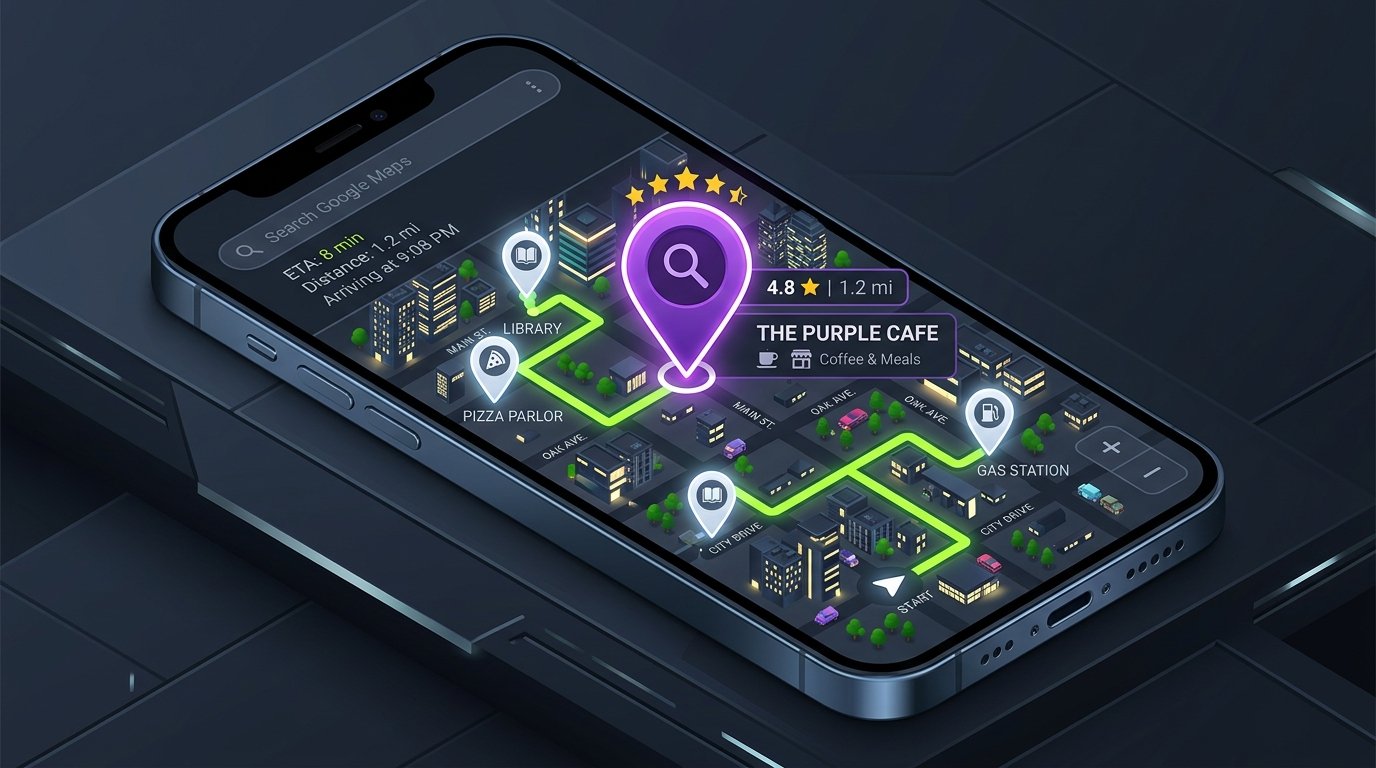
It is the Google Maps Local 3-Pack: a prominent map snippet featuring the top three local business profiles tailored to the user’s geographic location.
Securing visibility in Google Maps is one of the highest-converting digital marketing channels available to local and regional enterprises. Prospective customers clicking on map listings are typically in the final stages of the buying cycle—ready to call, request driving directions, or visit your website.
In this guide, we walk through the exact steps required to get your business verified, fully optimized, and prominently visible on Google Maps.
Step 1: Claim and Verify Your Google Business Profile (GBP)
To appear on Google Maps, you must create or claim an official Google Business Profile (formerly known as Google My Business).
- Visit
google.com/businessand sign in using your official company Google account. - Enter your exact business legal name. If your profile already exists as an unverified listing, click “Claim this business.”
- Choose how you serve your customers:
- Storefront / Commercial Premises: If customers visit your physical office, factory, retail store, or clinic during business hours.
- Service-Area Business (SAB): If you deliver services directly to clients at their locations and do not receive walk-in clients at an office, you can hide your residential address and define your active service regions instead.
- Complete Google’s verification method. Depending on your industry and location, verification may take place via an instant automated phone call, business email verification, live video recording of your facility, or a physical verification postcard.
Step 2: Ensure Absolute NAP Consistency
One of Google’s primary trust signals when ranking map listings is NAP consistency:
- N: Business Name
- A: Physical Address (including building numbers and PIN code)
- P: Phone Number
Your NAP details must match character-for-character across every public digital touchpoint: your Google Business Profile, your official website footer, your contact page, social media channels, and third-party commercial directories (such as IndiaMART, Justdial, TradeIndia, and local trade registries).
Discrepancies—such as using different phone numbers or abbreviating street names inconsistently—confuse search algorithms and dilute your local search authority.
Step 3: Select the Most Accurate Primary Category
Your Primary Category is the single most influential ranking factor on Google Maps.
Google provides thousands of predefined business categories. Many business owners make the mistake of choosing an overly generic category. For example, if you specialize in commercial roofing, selecting “Roofing Contractor” provides a significantly stronger local ranking signal than selecting generic “Contractor” or “Construction Company.”
Best Practice: Choose the most specific possible category as your Primary Category. Then, utilize Secondary Categories (up to 9 additional categories) to capture your supporting capabilities without diluting your core specialty.
Step 4: Complete Every Profile Data Field
Google rewards completeness. Incomplete profiles appear abandoned and rank poorly against active, comprehensive competitors.
- Operating Hours: Specify accurate regular operating hours and update special holiday schedules in advance.
- Business Description: Write a detailed, 750-character overview of your company. Clearly explain who you are, what services you deliver, your primary service locations, and what sets your technical expertise apart. Avoid keyword stuffing; write for human prospective clients.
- Services Menu: Populate the dedicated Services tab. List every core service you provide with concise descriptions and pricing details where applicable.
- Website Link: Point your profile’s website button directly to your relevant local landing page or homepage, ensuring the destination URL is secure (HTTPS) and loads rapidly on mobile devices.
Step 5: Upload High-Resolution, Authentic Imagery
Profiles with authentic photos receive significantly more interaction and driving direction requests than profiles using stock photos or default map graphics.
Upload authentic photography regularly: exterior building entrance, signage, clean interior facilities, and candid photos of your team at work. Avoid generic stock photos; Google’s visual AI can detect stock photography and it fails to build trust with local customers.
Step 6: Build a Systematic Customer Review Strategy
Customer reviews are a direct ranking signal and the primary conversion driver for Google Maps users.
A strong review profile is characterized by three metrics:
- Total Volume: The overall number of authentic customer reviews.
- Review Velocity: The steady, consistent arrival of new reviews over time, rather than fifty reviews arriving on a single afternoon followed by six months of silence.
- Keyword Sentiment: When satisfied clients naturally mention specific services in their reviews, Google associates your profile with those terms.
Always respond to every review: thank clients for positive feedback, and respond professionally, constructively, and promptly to any critical reviews.
Step 7: Connect Your Profile to a Strong Localized Website
Your Google Business Profile does not operate in isolation; Google cross-references your map listing with the website linked to your profile.
To reinforce your Google Maps rankings:
- Embed Your Google Map on Your Contact Page: Place an official Google Maps embed code on your website’s contact page alongside your structured NAP details.
- Implement LocalBusiness Schema: Add structured JSON-LD schema markup to your website to confirm your organization’s legal name, phone number, coordinates, and operating hours in a machine-readable format.
- Create Dedicated Regional Landing Pages: If your business serves multiple distinct cities or districts across a region (such as Bengaluru, Mangaluru, and Mysuru), create dedicated service pages that discuss your local project experience in each area without creating duplicate copy.
Understanding What Google Maps CANNOT Do: The Myth of Guaranteed Rankings
A critical reminder for business owners: no agency can guarantee that your business will rank #1 on Google Maps for a specific search term.
Google Maps rankings are determined by three primary algorithmic factors: Relevance, Prominence, and Proximity. Because proximity is an immovable variable—a user searching from Whitefield will see different map results than a user searching from Jayanagar—ranking #1 everywhere simultaneously is physically impossible. The goal of professional local SEO services is to maximize your prominence and relevance across your core commercial service area.
Grow Your Local Presence With Seyon
Want to increase your local customer inquiries and drive qualified leads to your business? Discover Seyon’s Local SEO Services or contact our team to optimize your Google Business Profile and local map presence.
Frequently Asked Questions
Can I get my business on Google Maps if I don’t have a commercial office?
Yes. If you operate as a service-area business (such as on-site IT support, plumbing, or catering) and serve clients at their locations, you can register as a Service-Area Business. Google allows you to specify the geographic districts or cities you serve while keeping your residential address hidden from the public map.
How long does it take for a new business to show up on Google Maps?
Once verification is completed, your profile typically appears on Google Maps within a few days. However, ranking in the competitive top-3 Local Pack for high-volume search terms usually takes between 2 to 6 months of consistent profile optimization, review acquisition, and local website optimization.
Can I pay Google to rank higher on Google Maps organically?
No. Organic Google Maps positions cannot be purchased. However, you can run Local Search Ads through Google Ads to display a sponsored pin and promoted listing at the top of Google Maps search results.
What should I do if a competitor is using a fake address or stuffed keywords on Google Maps?
Google’s guidelines strictly prohibit adding promotional keywords to business titles or registering fake virtual offices. You can submit a Business Redressal Complaint Form through Google Business Profile support to report fraudulent listings that manipulate local map rankings.